
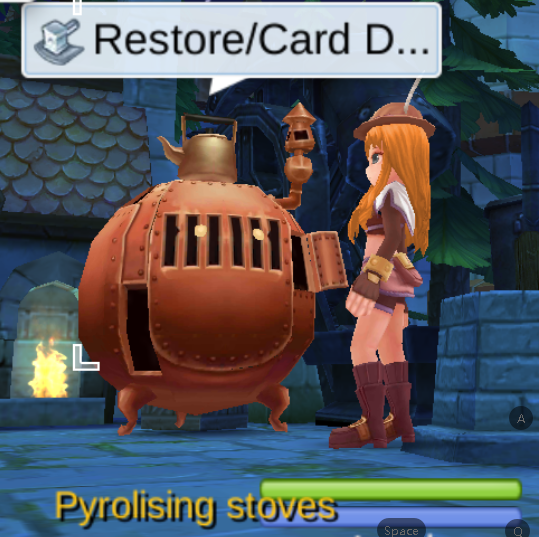
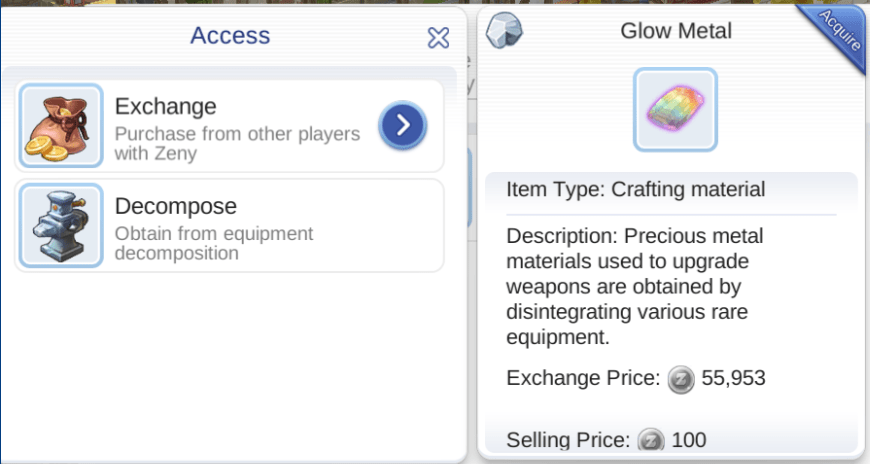
How to remove a card, remove enhancements or recycle a rare equipment in exchange of Glow Metal?
NOTE: You must unequip the item prior to taking action
1 . Go to Prontera via Kafra Transport service.
NOTE: Kafra NPCs are represented by this  icon on your map


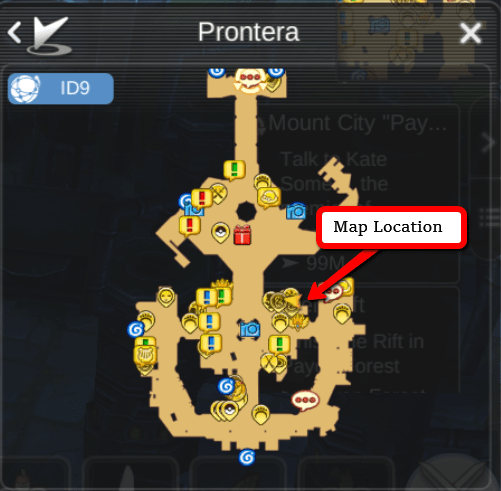
2. Locate the Pyrolising stoves as shown on the map below;
3. Click the NPC and you will be given 2 options: 1. Restore and 2. Recycle Equipment.
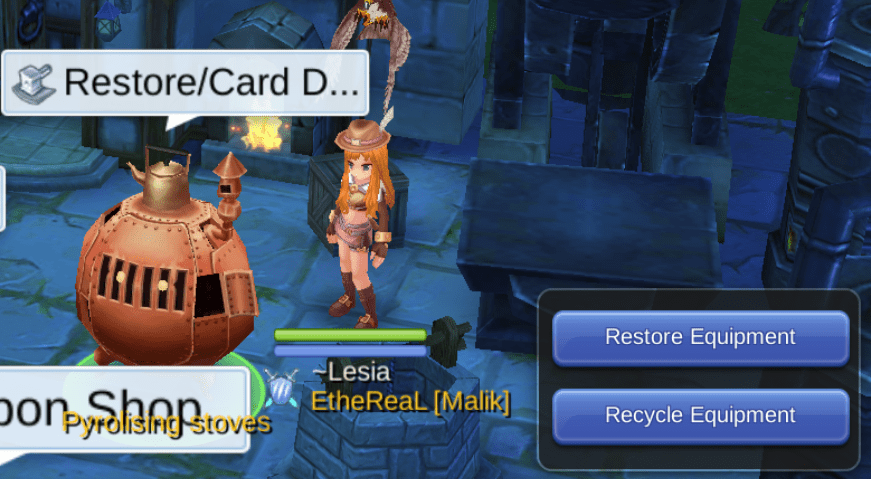
4. Select the option you wish to perform (for this, I selected “Restore Equipment”).
NOTE: You must unequip the item prior to taking action
5. Select the action you wish to perform (for this, I tried to remove a card).
NOTE: Each action corresponds to an amount of zeny, pay attention to the Total amount


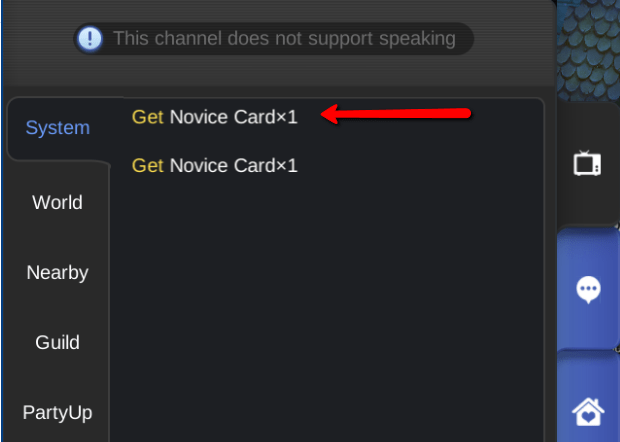
6. Click “Restore” and the System will confirm once done.
RESTORE EQUIPMENT: Gives you the following options
– Restore Enhancement
– Remove Card/s
– Disenchant (Remove Enchantments)
– Restore Upgrade (Remove Upgrade)
RECYCLE EQUIPMENT: Allows you to disintegrate a rare item/equipment in exchange of Glow Metal/s
– current market rate: 55,953 (as of this post)
– Used for upgrading and crafting various equipment
Thank you for reading! If you liked this post, click “follow” and don’t forget to share!
 The Pixie Project